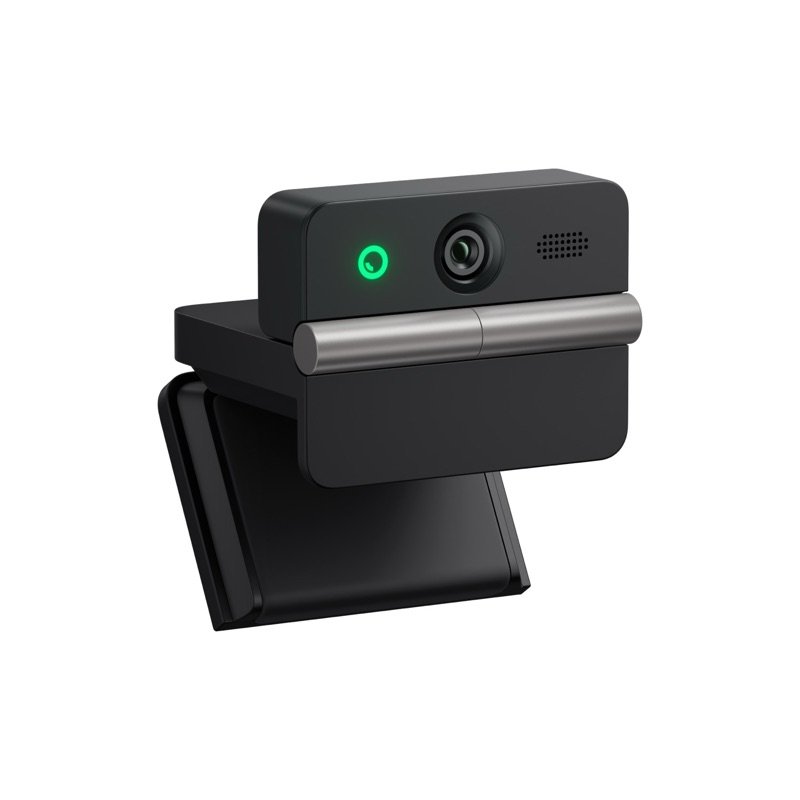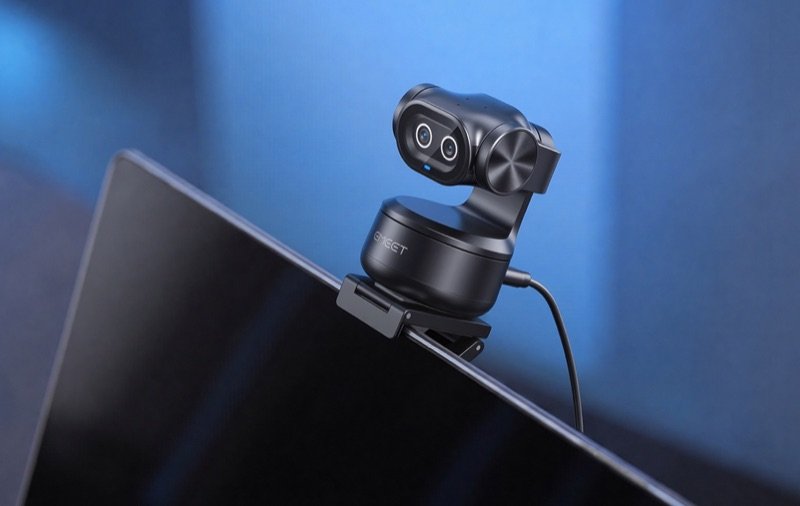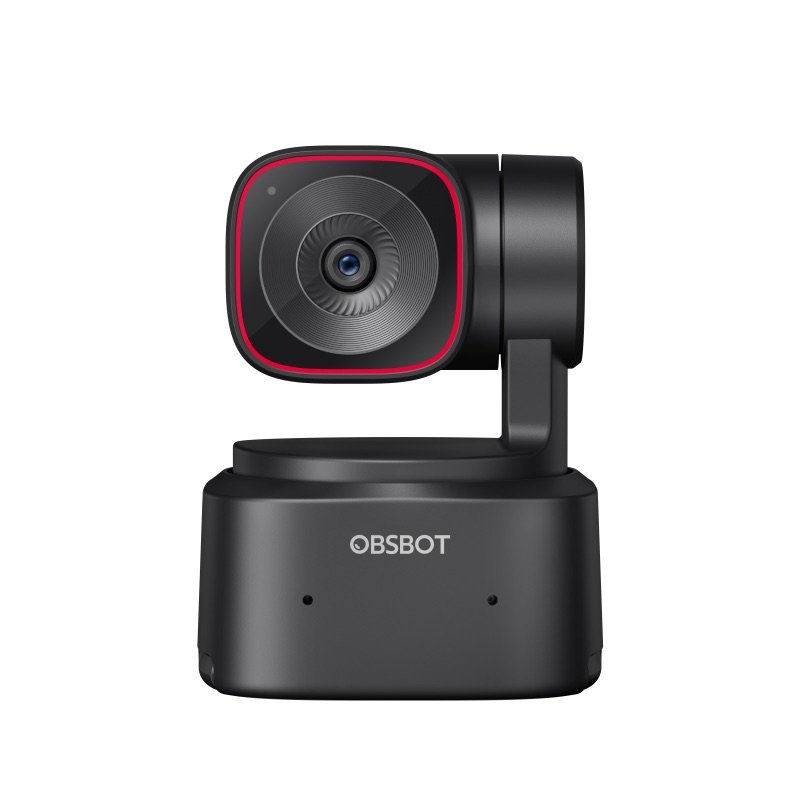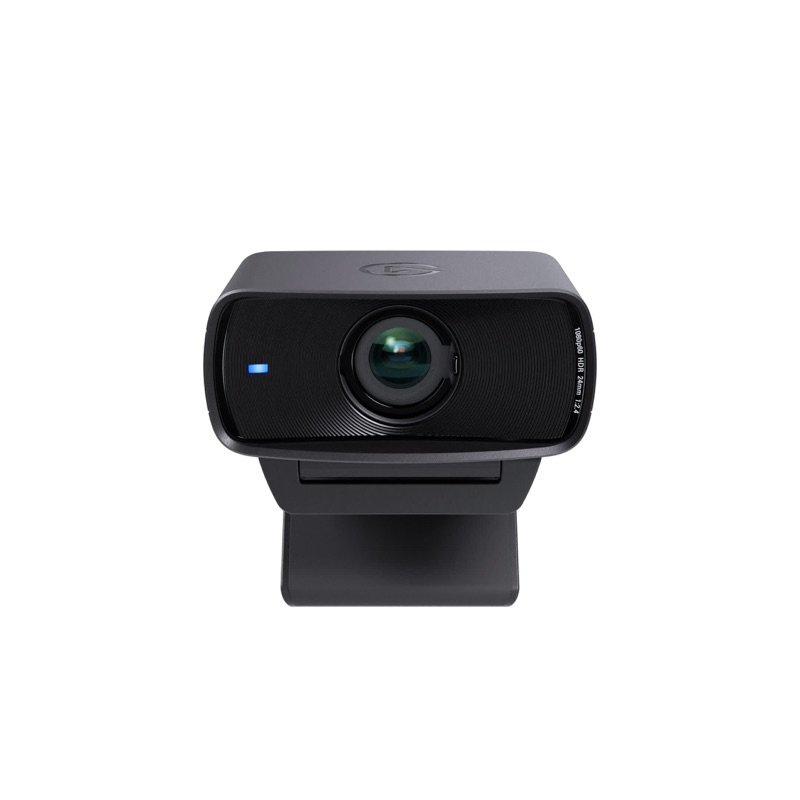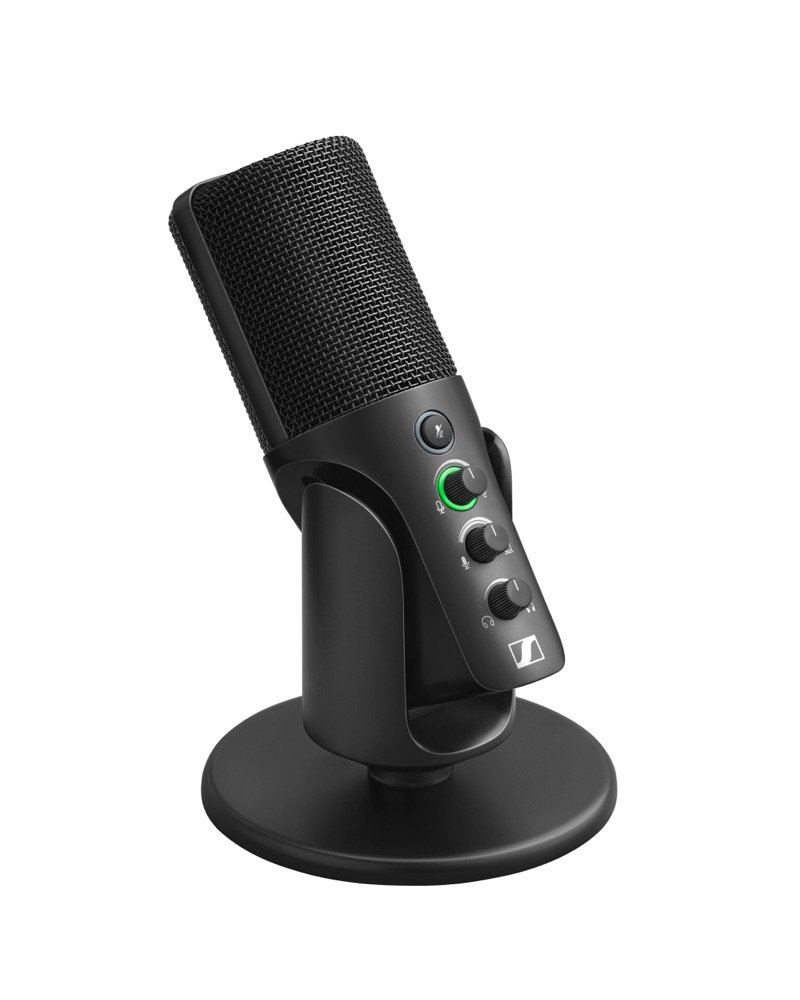
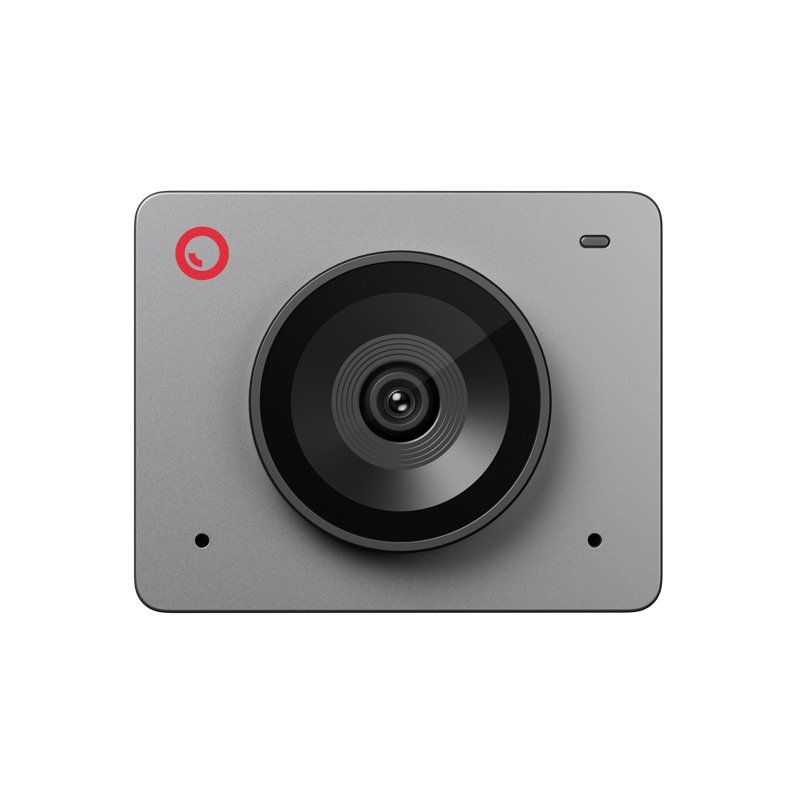
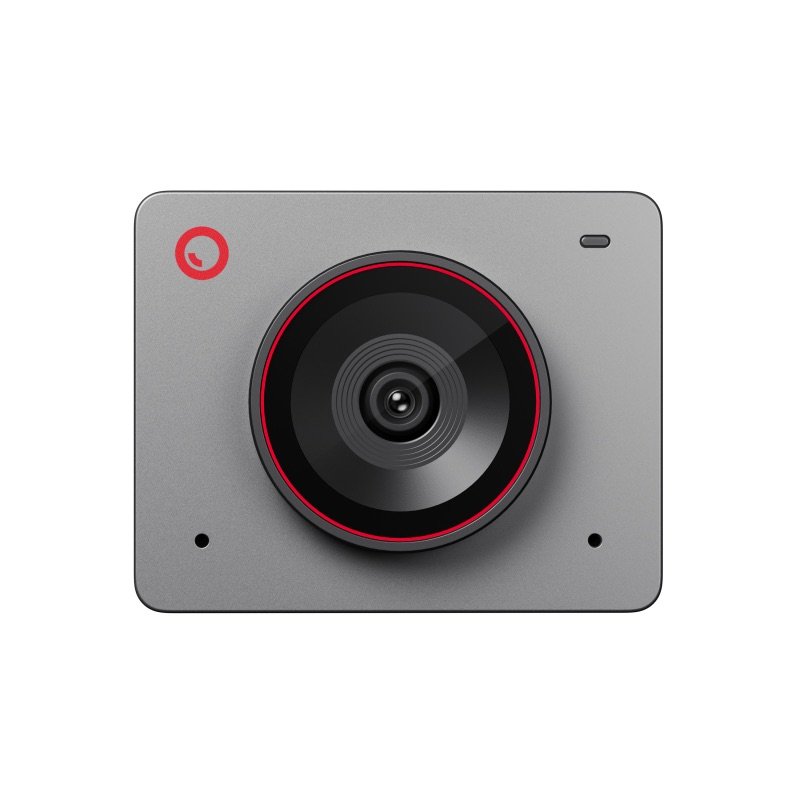
OBSBOT Meet SE webcam in Space Grey, from the front
Photo: OBSBOT
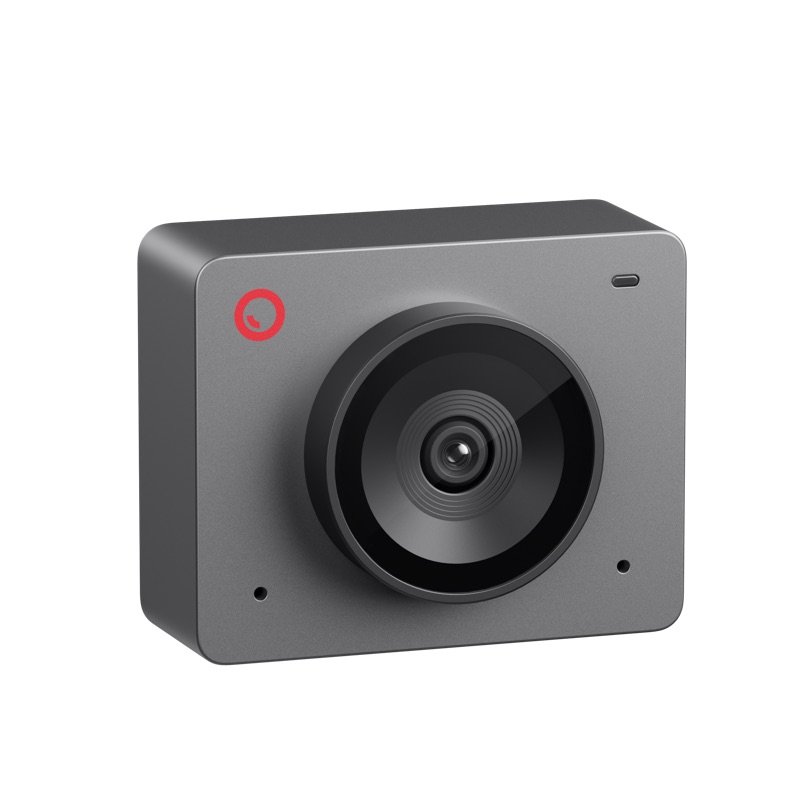
Meet SE in Space Grey, three-quarter view
Photo: OBSBOT
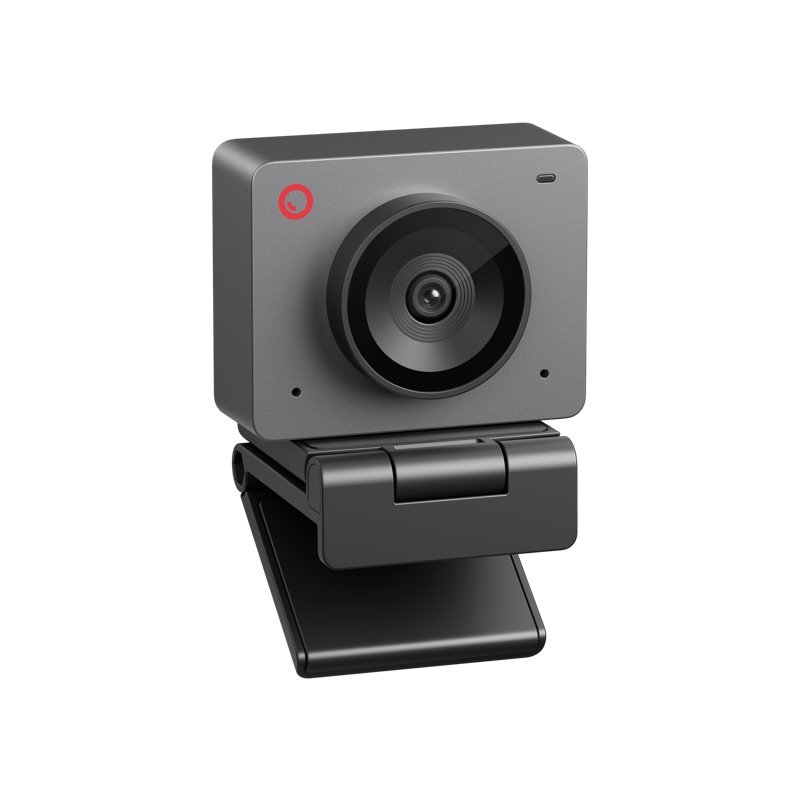
Meet SE on its magnetic mount
Photo: OBSBOT

Pick #49 · Video Calls & Audio

OBSBOT Meet SE: Worth it as a cheap upgrade from a laptop webcam?

Good, with a catch

Sharp 1080p for little money; the single mic struggles in noisy rooms, and a new 2K twin just arrived.

  • 1Far sharper than two laptop webcams in XDA's side-by-side 9
  • 2One built-in mic: 4 of 7 expert sources call it the weak part 18101114
  • 3OBSBOT's new Meet SE 2 adds 2K video at the same US list price 72

We earn a commission if you buy through links on this page. It costs you nothing extra.

Good for

  • Replacing a weak laptop camera for Zoom, Teams or Meet
  • Quiet home rooms, where the built-in mic is enough
  • Laptop lids and small desks: 1.17 oz (33.2 g)

Not for

  • You take calls in a busy, noisy office
  • You want 4K, or the 2K of the new Meet SE 2

Quick facts

33.2 g1.17 oz, without its mount
100 fpsat 1080p; 150 fps at 720p
1 micbuilt in, with noise reduction
78°diagonal field of view
All specs that matter
Sensor and lens
1/2.8 in CMOS, 2 MP, f/1.8Smaller than the Meet 2's 1/2 in sensor 16; TechRadar notes the wide f/1.8 lens lets in more light 8. 1
Video
1080p up to 100 fps; 720p up to 150 fpsNo 4K. The new Meet SE 2 adds 2K at 30 fps in the same body 7. 1
ISO range
100 to 12,800The Meet 2 tops out at 6,400 16. 1
Field of view
78° diagonal; 4x digital zoomFraming and zoom crop inside this view; nothing turns 3. 1
Microphone
1 built-in, noise reduction, auto gainFour of seven expert sources call it the weak part 8101114. 1
Connection
USB-C (USB 2.0), plus a USB-A adapterThe manual warns that too little power causes faults, so skip unpowered hubs 3. 1
Mount
Magnetic mount; 1/4-20 socket underneathUse the thread with a tripod if the magnet will not hold 9. 3
Size and weight
1.78 × 1.4 × 0.87 in; 1.17 oz (33.2 g)45 × 36 × 22.2 mm; 2.09 oz (59.5 g) on its mount. 1
Warranty
The camera's warranty runs one year, longer where local law demands it; the cable's runs six months.6

What it does well

A clear step up from a laptop camera

Next to a typical laptop camera, the OBSBOT Meet SE is a big jump. XDA set it beside the built-in webcams of an Asus Zenbook S 14 and an Honor MagicBook Art 14 and called the difference night and day 9. On Zoom, Google Meet and Discord, PowerUp's coworkers noticed the change from a laptop's own camera 11.

TechRadar also put it next to Logitech's long-running C920. The Meet SE looked sharper, with more detail and better colour balance 8.
Enough for calls, which rarely carry 4K

It stops at 1080p, and on calls that is rarely a loss. XDA points out that services such as Zoom, Google Meet and Discord mostly do not send a webcam's 4K picture anyway 9.

OBSBOT's video modes 1:

  • 1080p at up to 100 fps
  • 720p at up to 150 fps

The loss falls on people who edit video. TechRadar says to skip it if you want 4K 8, and The Cosmic Circus missed 4K when editing a podcast 12.

Holds up when the light drops

In dim light it does better than its small sensor suggests. OBSBOT gives the 1/2.8 in sensor an f/1.8 aperture, dual native ISO and staggered HDR 12. Its ISO range reaches 12,800 1.

XDA lit a room with nothing but a monitor. The picture turned grainy, yet the room and the person were still visible 9.

PowerUp also saw noise in darker settings and still suggests a desk light 11.

Tiny, light and ready when plugged in

The camera is tiny. OBSBOT's figures 1:

  • 45 × 36 × 22.2 mm (1.78 × 1.4 × 0.87 in)
  • 33.2 g (1.17 oz) alone, 59.5 g (2.09 oz) on its mount

TechRadar photographed it beside an SD card to show the size 8.

One USB-C cable powers it and carries the picture, and a USB-A adapter comes with it 13. The Cosmic Circus plugged it into a MacBook Pro and could use it at once 12. There is no carry case, TechBuzz Ireland notes 13.

OBSBOT still looks after it: its latest firmware came out on 9 October 2026 5.

Framing that follows small moves

It can keep you centred without any moving parts. AI framing works by cropping within a 4x digital zoom, in Group mode for several people or Single mode for one 31.

XDA found it smoother than the auto-framing built into laptops, though less natural than a camera that turns 9. TechRadar found it handy even without moving around much 8.

Known problems

From expert tests.

4 of 7 expert sources

One mic, and it shows in a noisy room

How you sound depends on the room. OBSBOT fits one built-in mic with noise reduction, where the Meet 2 has two 116. TechRadar found it fine in a quiet room but heard too much background noise in a busy office 8.

Gaming Trend says the noise filter works, yet you can hear its effect 10. PowerUp found the voice slightly hollow 11, and Mighty Gadget calls it adequate, not professional 14. The Cosmic Circus disagrees: its podcast sounded like a much pricier setup 12.

TipIn a shared office, talk through a headset or a USB mic. You can turn the camera's own mic off in OBSBOT Center 4.

4 of 7 expert sources

Loose on thick monitors, fiddly at first

The mount holds the camera by a magnet, and on some screens that feels loose. On XDA's thick 49-inch ultrawide the grip was weak, and a bump of the cable could knock the camera down; on a laptop it was fine 9. TechRadar found it easy to knock and a bit fiddly 8.

The Cosmic Circus needed the manual at first: the magnet goes on the camera's bottom, not its back 12. PowerUp found it stable on most monitors but tricky on thin laptop bezels 11.

TipKeep the foot of the base flush with the back of the screen 3. Or mount it on a mini tripod through the 1/4-20 socket under the camera 3.

3 of 7 expert sources

Gestures and framing can misfire

The smart features need a little taming. TechRadar switched the hand gestures off, because waving while talking set them off 8. PowerUp found the framing sometimes slow or overeager, so the picture jittered as the writer shifted in the chair 11.

Gaming Trend ran several cameras in OBS, and some lost focus when scenes were switched quickly 10. Picking a target in OBSBOT Center fixed it 10.

TipPowerUp could switch gestures on or off and set the tracking speed in OBSBOT Center 11. TechRadar simply turned gestures off 8.

We earn a commission on these Amazon links. It costs you nothing extra.

Check price on Amazon

Will it suit the room you call from?

Pick the room you take most calls in.

Pick the room you take most calls in.

Choose one to see the answer.

Yes: sharp picture, fine soundTechRadar found the mic fine in a quiet room, and the picture sharper than a Logitech C920 8.
Keep it, but add a headsetIn a busy office TechRadar heard too much background noise 8. Switch the built-in mic off and use a headset or USB mic 4.
Usable, but add a lightLit only by a monitor, XDA's picture turned grainy 9. PowerUp saw noise in darker settings and suggests a desk light 11.
Yes: Group mode reframes for youGroup mode fits several people into the frame 3. Gaming Trend saw it pull back when a third person stepped in behind two 10.

Real size

Bank card
1.8 in1.4 in
This webcam

1.4 × 1.8 × 0.9 inTall × wide × thick (3.6 × 4.6 × 2.3 cm), next to a bank card.

Other options

We earn a commission on these Amazon links. It costs you nothing extra.

DrawingCheaperLogitech Brio 100Costs less, but 30 fps only, fixed focus, a 58° viewCheck price on Amazon OBSBOT Meet SE webcam in Space Grey, from the frontThis oneOBSBOT Meet SEA tiny budget webcam for anyone whose laptop camera looks poor on callsYou are here OBSBOT Meet 2 webcam in space grey, from the frontBetterOBSBOT Meet 2Same tiny body with 4K, a 1/2 in sensor and two micsCheck price on Amazon
Top video1080p at 30 fps1080p at 100 fps4K at 30 fps
FocusFixed focusAutofocusPhase-detect autofocus
Field of view58°78°79.4°
Microphones1 omni1 built-in2 omni
Weight75 g33.2 g40.5 g
Drawing
Cheaper

Logitech Brio 100

Costs less, but 30 fps only, fixed focus, a 58° view

Top video
1080p at 30 fps
Focus
Fixed focus
Field of view
58°
Microphones
1 omni
Weight
75 g
Check price on Amazon
OBSBOT Meet SE webcam in Space Grey, from the front
This one

OBSBOT Meet SE

A tiny budget webcam for anyone whose laptop camera looks poor on calls

Top video
1080p at 100 fps
Focus
Autofocus
Field of view
78°
Microphones
1 built-in
Weight
33.2 g
You are here

Same tiny body with 4K, a 1/2 in sensor and two mics

Top video
4K at 30 fps
Focus
Phase-detect autofocus
Field of view
79.4°
Microphones
2 omni
Weight
40.5 g
Check price on Amazon

You may also need

A headset or USB mic, for noisy rooms

TechRadar heard too much background in a busy office 8; Gaming Trend and PowerUp would add a mic 1011.

A small tripod, if the magnet will not hold

There is a 1/4-20 screw socket under the camera 3; on XDA's thick monitor the magnet's grip was weak 9.

Value check

Budget tier

Logitech's Brio 100 costs less, but its 1080p runs at only 30 fps. Its focus is fixed, and it sees 58° where the SE sees 78° 171. OBSBOT's Meet 2 costs more; it keeps the same tiny body but adds 4K, a bigger 1/2 in sensor and two mics 16.

The closest choice is OBSBOT's own Meet SE 2. It came out on 10 November 2026 with 2K video, and OBSBOT lists it at the same US price 72.

Prices change. See today's price on Amazon. We earn a commission on it. It costs you nothing extra.

Questions

What does the new Meet SE 2 change?

The SE 2 came out on 10 November 2026 7. The sensor (1/2.8 in), the f/1.8 lens, the size and the 33.2 g weight are unchanged. New are 2K at 30 fps and a native upright mode 71. OBSBOT lists both at the same US price 72.

The SE has more than a year of expert write-ups behind it 89. The SE 2 is too new to have many.

Does the OBSBOT Meet SE have a mic?

Yes, one, with noise reduction and auto gain 1. OBSBOT offers three levels of noise reduction 2. You can switch it off in OBSBOT Center and use another mic instead 4.

Is the Meet SE better than the Meet 2?

Not overall. The Meet 2 has a bigger 1/2 in sensor, two mics, and 4K at 30 fps, in the same small body 16. XDA found the Meet 2 a little better with uneven light, though the SE showed more of a room lit only by a monitor 9.

Gaming Trend says the SE keeps nearly every feature of the Meet 2 10.

Can I really get 100 fps from it?

OBSBOT lists 100 fps at 1080p and 150 fps at 720p 1. When XDA used it in February 2025, those two modes were missing from OBSBOT's own app 9. For calls it matters little: TechRadar found 1080p at 60 fps the sweet spot 8.

Is the OBSBOT Meet SE wireless?

No. It runs on one USB-C cable for both power and picture; a USB-A adapter is included 13. The manual wants a port on the computer itself, or a dock with a power supply of its own 3.

The US CPSC lists no OBSBOT recall as of 17 November 2026 15.

How we made this pick17 sources · checked Nov 17, 2026 · we have not used itRead how

We have not used this product ourselves. This brief is built from the maker's specs and manual and from expert tests. Few owner reports were open for us to read, so this page does not say how common a problem is among owners. Sources are listed below.

17sourcesSeven expert write-ups by people who used it, plus OBSBOT's own pages; no owner posts we could read.
Nov 17, 2026checked
See sources
  1. 1OBSBOT Meet SE Series Tech Specs (Meet SE and Meet SE 2)Nov 17, 2026
  2. 2OBSBOT Meet SE Series product pageNov 17, 2026
  3. 3OBSBOT Meet SE User Manual v1.0 (PDF)Nov 17, 2026
  4. 4OBSBOT Meet SE Series FAQNov 17, 2026
  5. 5OBSBOT downloads: Meet SE Series firmware, app and manualsNov 17, 2026
  6. 6OBSBOT Warranty & Refund policyNov 17, 2026
  7. 7OBSBOT news: Meet SE 2 launch (10 Nov 2026)Nov 17, 2026
  8. 8TechRadar: Obsbot Meet SE (Tom Farthing, 23 Apr 2025)Nov 17, 2026
  9. 9XDA Developers: the Obsbot Meet SE (Joao Carrasqueira, 6 Feb 2025)Nov 17, 2026
  10. 10Gaming Trend: OBSBOT Meet SE and Tiny SE (Ron Burke, 1 Mar 2025)Nov 17, 2026
  11. 11PowerUp Gaming: OBSBOT Meet SE (Kizito Katawonga, 11 Mar 2025)Nov 17, 2026
  12. 12The Cosmic Circus: OBSBOT Meet SE (Brian Kitson, 18 Jun 2025)Nov 17, 2026
  13. 13TechBuzz Ireland: OBSBOT Meet SE (Brendan Lahert, 13 Feb 2025)Nov 17, 2026
  14. 14Mighty Gadget: Obsbot Meet SE (James Smythe, 21 Feb 2025, updated 21 Mar 2026)Nov 17, 2026
  15. 15CPSC recalls search (saferproducts.gov): OBSBOT, 17 Nov 2026Nov 17, 2026
  16. 16OBSBOT Meet 2 Tech Specs (better option, sister page)Nov 17, 2026
  17. 17Logitech Brio 100 (US product page, cheaper option)Nov 17, 2026

Update log

  • Nov 17, 2026 First version of this research brief.
How we research

Do you own it?

Tell other buyers how the OBSBOT Meet SE works for you.

How long have you owned it? (if you like)

Only your words, and how long you have owned it if you say. No name, no email, no cookie. Nothing shows here until we approve it. How we handle answers.

Did this help?

Related

More picks