
Docks, Hubs & Storage
USB-C hubs, docking stations, portable drives and card readers: the right ports and the real speeds for your laptop.

What to check before you buy
- 1
Your computer's port
Thunderbolt and USB-C look the same but differ in speed. Check what your computer has.
- 2
Screens per chip
Your computer's chip decides how many external screens you can run.
- 3
Charging power
Check the power your laptop asks for in our charger tool.
- 4
The ports you need
List what you plug in every day before you choose a hub or a dock.
Picks
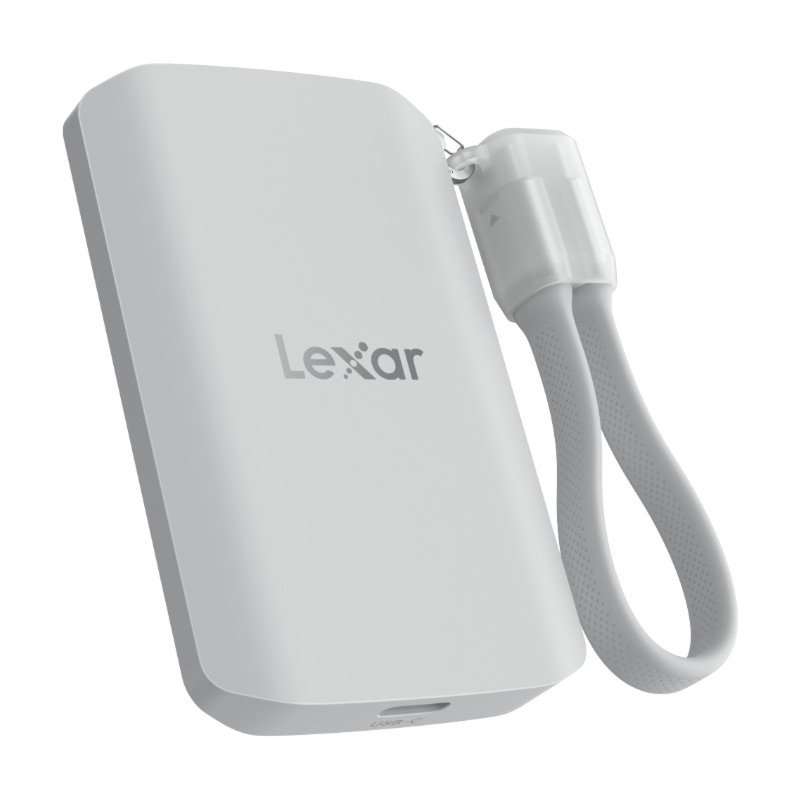
Lexar ES5
A tough magnetic SSD that rides on an iPhone Pro and takes ProRes video
Good, with a catchMid-range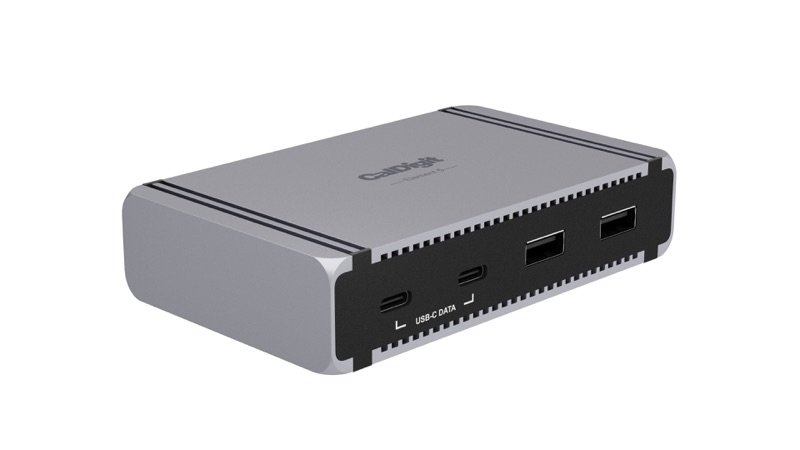
CalDigit Element 5 Hub
Adds fast Thunderbolt 5 and USB ports to a small desk, without a full dock
Good, with a catchPremium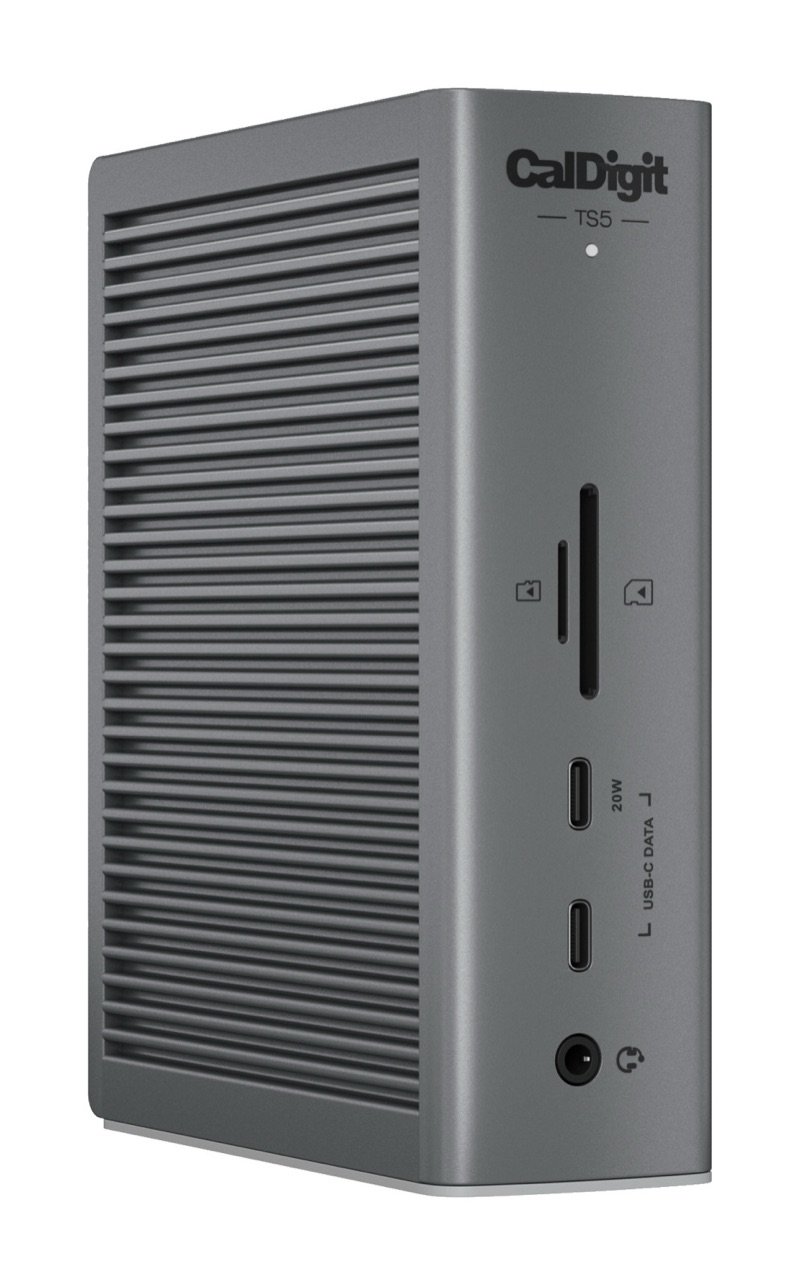
CalDigit TS5
One cable to a Mac for fast drives, charging, network and more screens
Smart buyPremium