
Video Calls & Audio
Webcams, microphones, headsets, speakers and lights: how to look and sound clear on every call.

What to check before you buy
- 1
Light your face
Light on your face does more for a call picture than a sharper camera.
- 2
Camera at eye level
A camera on top of your screen at eye level looks more natural than a laptop tilted up.
- 3
Sound matters
Callers notice bad sound before a soft picture. A headset or a USB mic close to you helps.
- 4
Check your call app
Mute keys, plugins and camera effects differ between Zoom, Teams and Meet. Check the one you use.
Guides
Picks
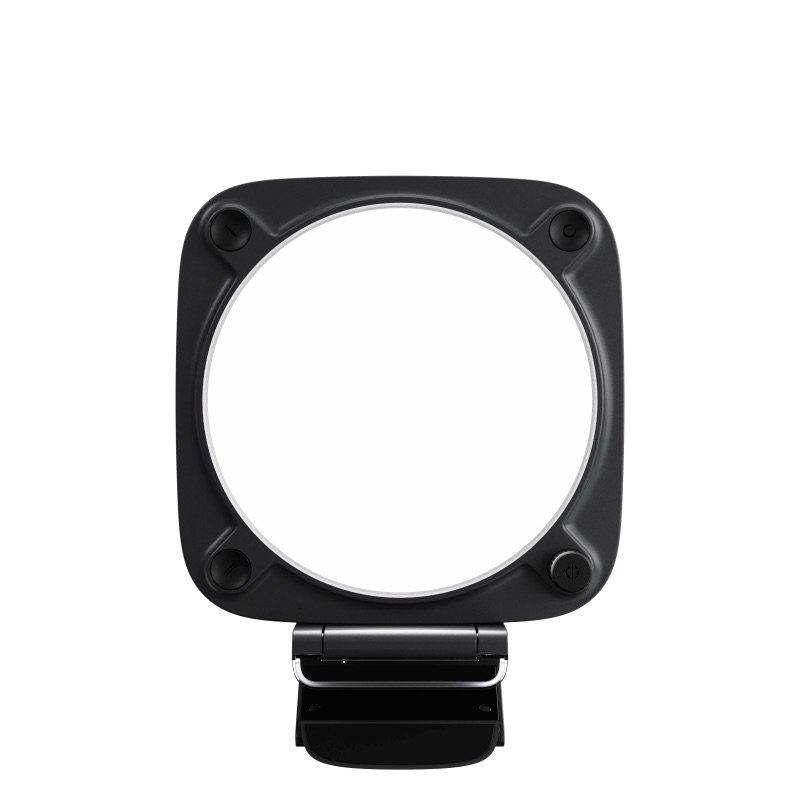
Elgato Key Light Neo
A bright, flat call light that clips on your screen and works without an app
Good, with a catchMid-range
Elgato Wave Neo
A plain USB mic for daily calls, with a mute light you can see at a glance
Good, with a catchMid-range
Bose QC Ultra (2nd Gen)
Very comfortable noise cancelling for long desk days; calls are just decent
Good, with a catchPremium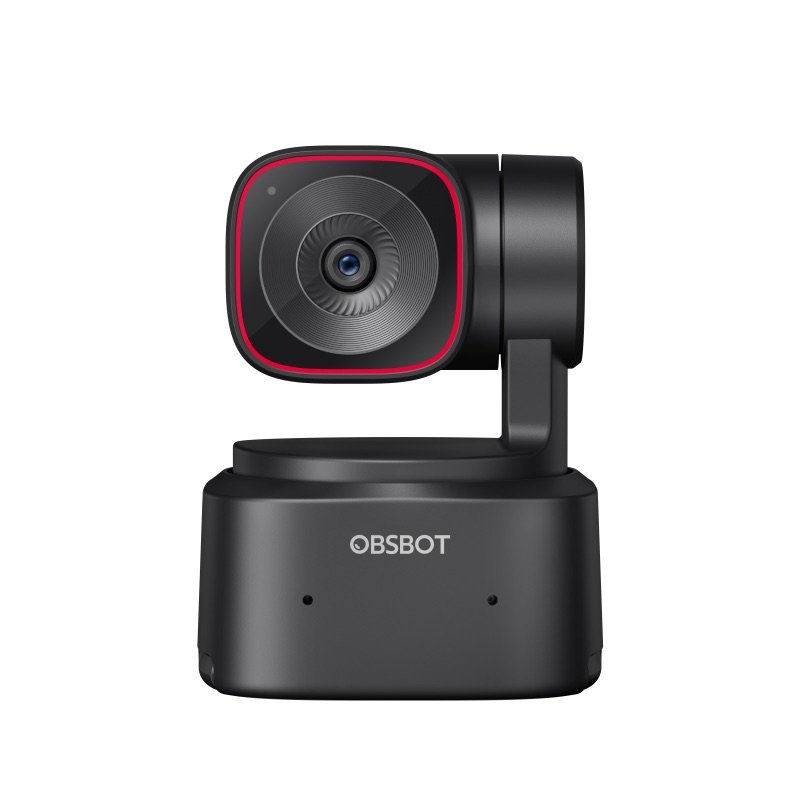
OBSBOT Tiny 2 Lite
A webcam on a motor that turns to keep you in shot as you move
Good, with a catchMid-range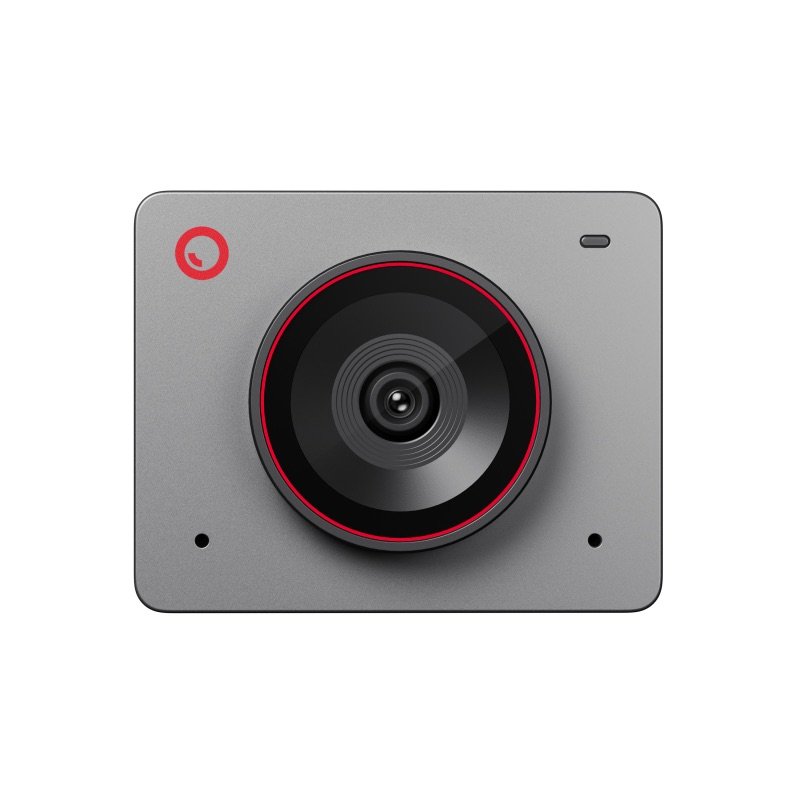
OBSBOT Meet 2
A tiny 4K webcam for desk calls that asks little of an older computer
Good, with a catchMid-range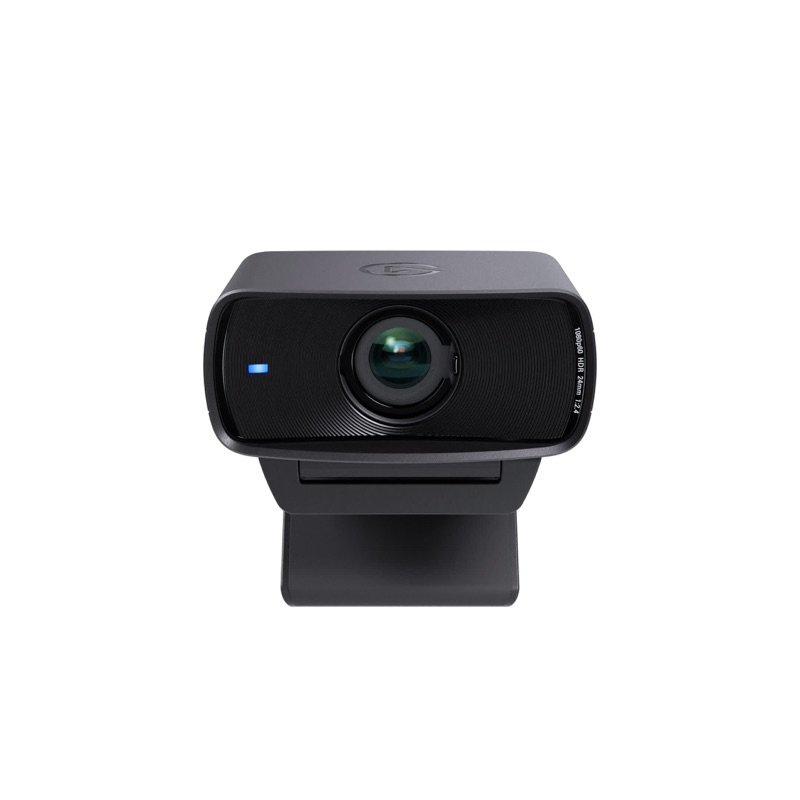
Elgato Facecam MK.2
A desk webcam that keeps your settings on board; bring a mic and good light
Good, with a catchMid-range