
All product types Webcams
Webcams
3 researched picks
A webcam lets you put the camera at eye level and choose its picture. Our briefs say what experts found on picture, focus, mics and setup, and who should skip each one.
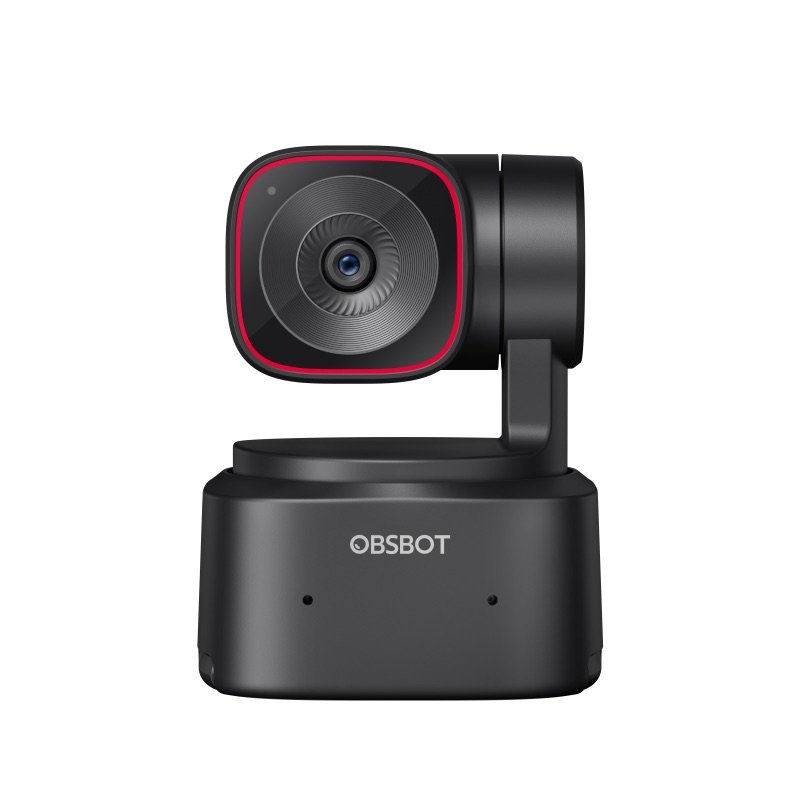
OBSBOT Tiny 2 Lite
A webcam on a motor that turns to keep you in shot as you move
Good, with a catchMid-range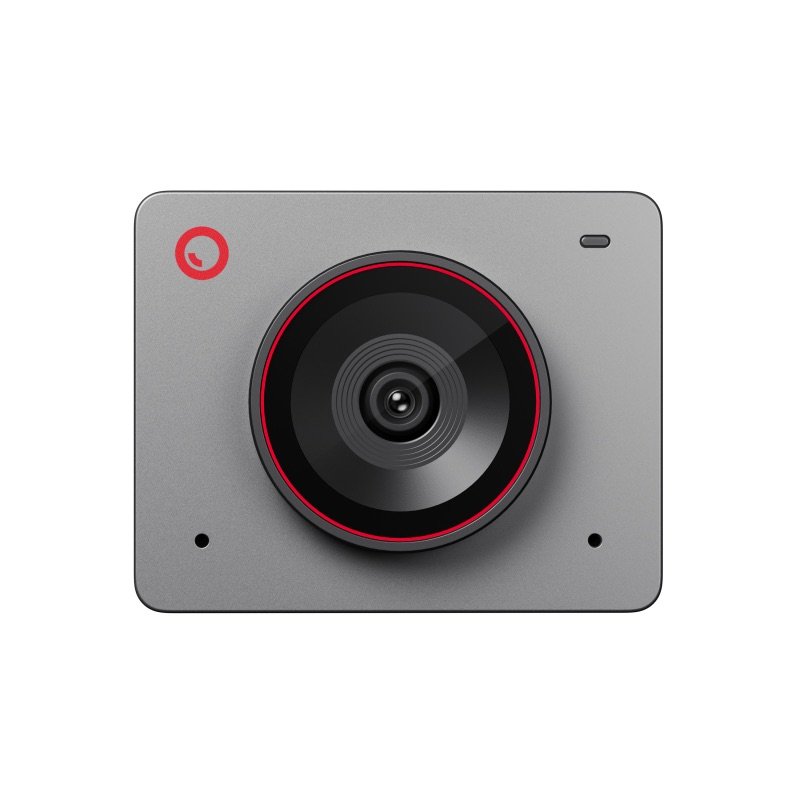
OBSBOT Meet 2
A tiny 4K webcam for desk calls that asks little of an older computer
Good, with a catchMid-range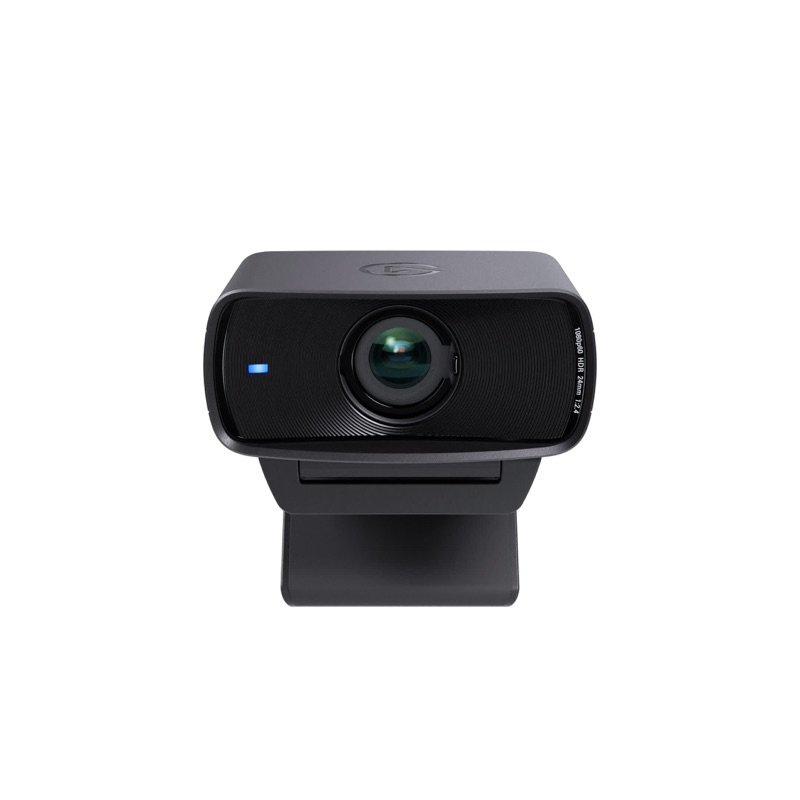
Elgato Facecam MK.2
A desk webcam that keeps your settings on board; bring a mic and good light
Good, with a catchMid-range
What to check before you buy
- 1
Light comes first
Every webcam looks better with light on your face. Experts found several cameras grainy in dim rooms, so plan a lamp or a small call light.
- 2
Fixed focus or autofocus
Fixed focus stays sharp at desk distance but blurs things you hold close to the lens. Autofocus helps if you show products or papers.
- 3
Do you need its mic?
Some webcams have no mic, and many built-in mics are only average. If calls matter, a headset or a USB mic usually sounds clearer.
- 4
Will your computer keep up?
The sharpest modes and AI effects ask more of your computer. Check the maker's list of supported computers, and that its app runs on your system.
- 5
Privacy you can see
A built-in shutter, or a camera that folds shut, is easier to live with than a separate cap you can lose.