
All product types Monitor arms
Monitor arms
1 researched pick
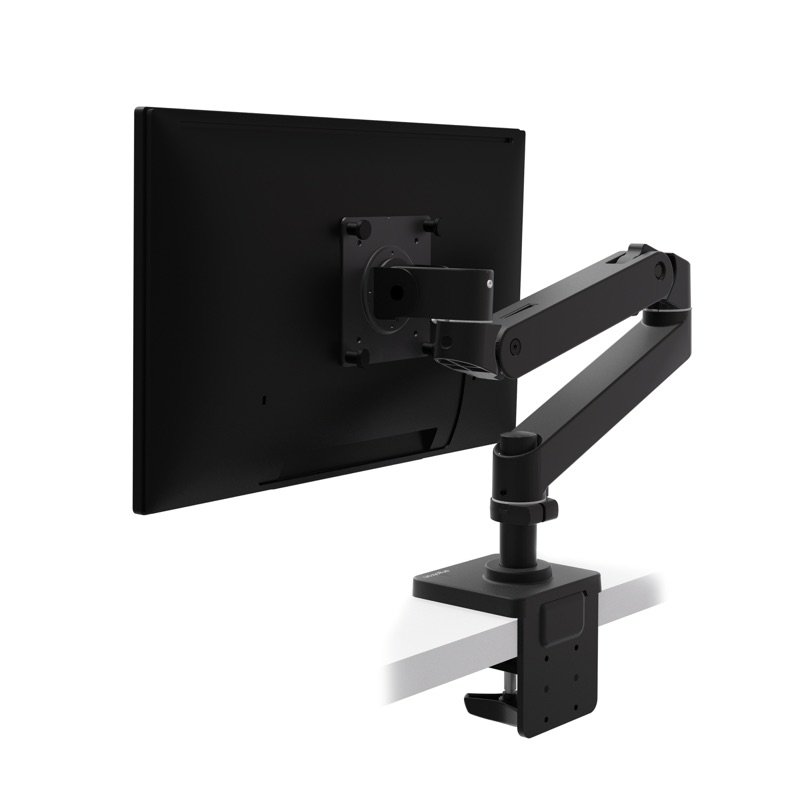
A monitor arm frees desk space and lets you set your screen's height and distance. Our briefs check weight limits, clamp fit and setup.
What to check before you buy
- 1
Weigh your screen
Check your monitor's weight without its stand, and pick an arm whose range includes it. A spring arm has a lowest weight as well as a highest.
- 2
Check the mounting holes
Most arms fit screens with standard VESA holes on the back. Check that yours has them, and which size.
- 3
Look at your desk edge
A clamp needs an edge it can grip, no thicker than the maker allows, with room underneath. Ask your desk maker before clamping to glass or a thin top.
- 4
Height and reach
Check how high and how far forward the arm brings the screen. Our desk height calculator shows where the top of your screen should sit.
- 5
Plan for tension
Spring arms are set to your screen's weight, often with a hex key, and set again when you change screens.