
All product types USB-C hubs
USB-C hubs
1 researched pick
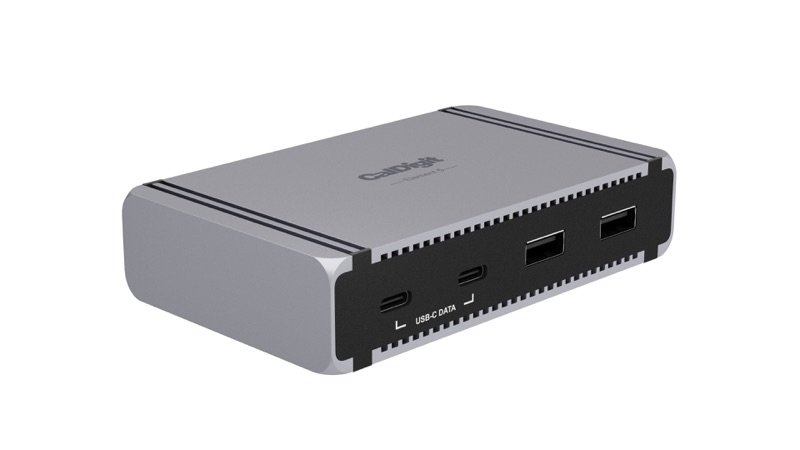
A hub adds ports to a laptop through one cable, in a small box. It usually has fewer ports and gives less charging power than a full dock.
What to check before you buy
- 1
List the ports you use
Write down what you plug in every day: drives, screens, network, cards. Many small hubs skip Ethernet, card readers and video ports.
- 2
Charging power
A hub may pass on less power than your laptop's own charger. Compare it with your laptop's fast-charge number in our charger tool.
- 3
Your computer's port
A Thunderbolt hub works best on a Thunderbolt computer. On plain USB-C, some features drop.
- 4
One shared link
Everything on a hub shares one link to the computer, so a fast drive and big screens at once can slow each other.