


Pick #7 · Desk Setup & Comfort
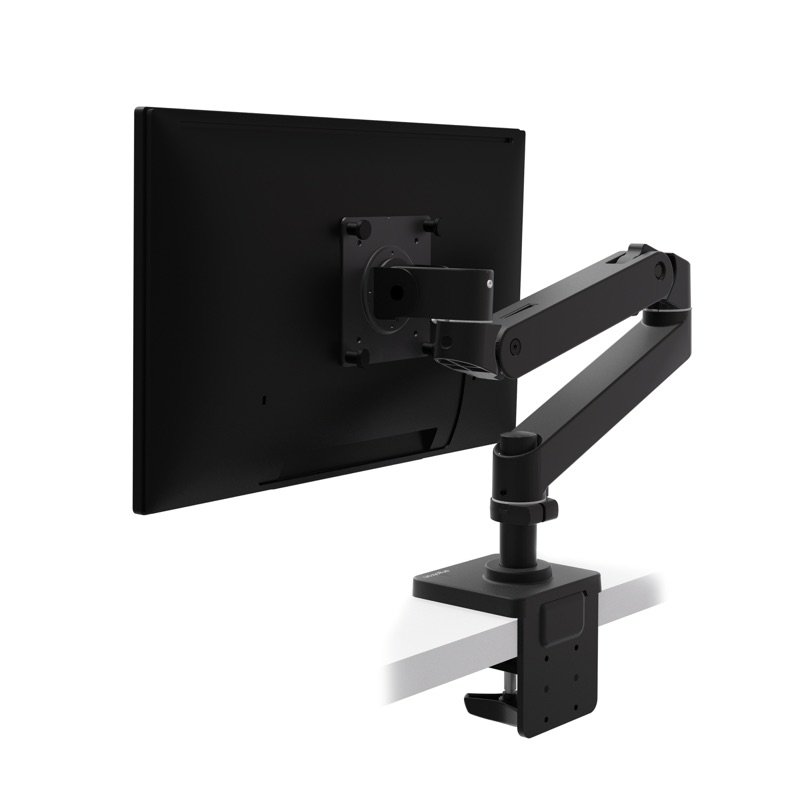
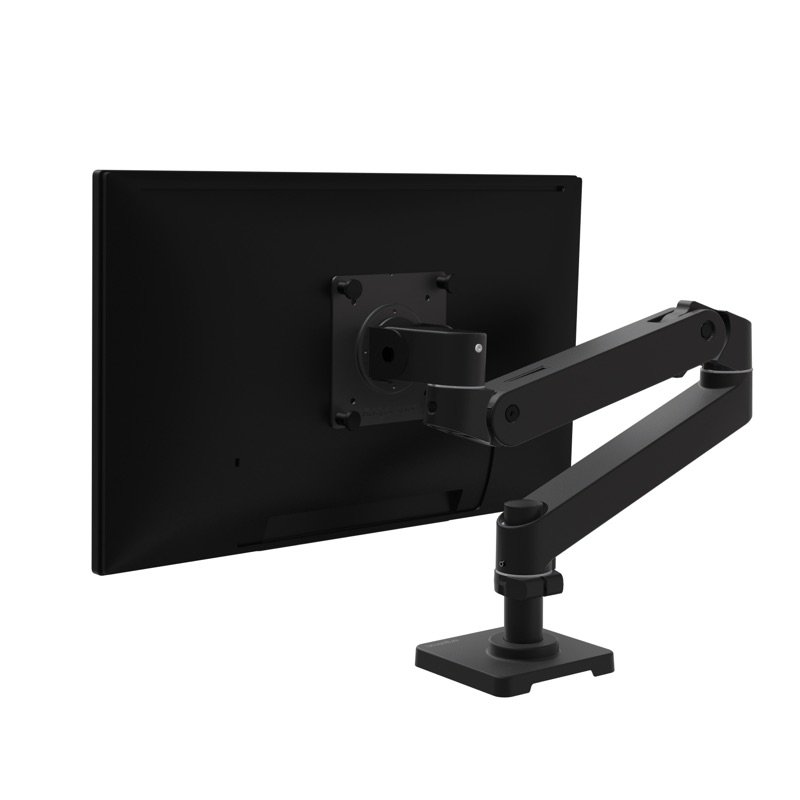
Ergotron LX Pro Desk Monitor Arm: Worth it for one monitor on a small desk?
PCWorld's top single arm with a 10-year warranty, but it stops at 22 lb, below the old LX.
Good for
- One screen of 4–22 lb (1.8–10 kg), up to 34 in
- Desk edges up to 2.4 in (60 mm) thick
- Buyers who want a 10-year warranty
Not for
- Your screen weighs over 22 lb (10 kg)
- You re-cable often: the channels fit only a few cables
Quick facts
All specs that matter
- Screen weight
- 4–22 lb (1.8–10 kg)Weigh your screen without its stand. It must sit inside this band. 1
- Screen size
- Up to 34 inErgotron's sheet calls this the typical top size; the weight band still decides. 1
- VESA holes
- 75 × 75 or 100 × 100 mmCheck the back of your screen for one of these hole patterns. 1
- Height
- Mount 3.9–18.3 in (9.8–46.6 cm) above the desk13 in (33 cm) of lift. Check it reaches your eye height. 3
- Reach
- Up to 25 in (64 cm)How far the screen can come toward you from the pole. 1
- Tilt and turn
- 70° back, 15° forward; rotates to portraitYou can turn the screen to portrait for long pages. 3
- Desk clamp
- Desk edge up to 2.4 in (60 mm), 3 positionsMeasure your desk edge before you buy. 2
- Warranty
- 10 years1
From the maker
Video: Ergotron on YouTube
Ergotron LX Pro Desk Monitor Arm: Installation & AdjustmentPlays in YouTube's player. Nothing loads from YouTube until you tap.
What it does well
A wide range from one clamp
You can put the screen high, low, close or far. By Ergotron's own figures:
- mount height: 3.9 in (9.8 cm) to 18.3 in (46.6 cm) above the desk 3
- lift: 13 in (33 cm) 1
- reach: up to 25 in (64 cm) toward you 1
- tilt: 70° back and 15° forward 1
PCWorld notes the screen rotates a full 360°, so portrait works 4. A built-in stop can limit the base swing to 180° 1. That keeps the screen off the wall behind a small desk.
Our desk height calculator shows where the top of your screen should sit.
Few tools, small base
Setup takes almost no tools. PCWorld found the clamp has a comfortable handhold that works without tools 4. The two arm sections slip into place, and thumb screws hold the screen plate 4. Work From Here found the install just as light on tools 5.
PCWorld adds that the wide clamp spreads the force, so a weaker desk is less likely to be damaged 4. The base is also more compact than the old LX's 4.
Known problems
From one expert who used it.
Holds a little less than the old LX
It holds a bit less weight than the older LX. The LX Pro is rated for 22 lb (10 kg), down from 25 lb on the original LX 145. PCWorld and the Work From Here newsletter, both by Matthew S. Smith, point this out 45.
PCWorld adds that this rarely matters, since 32- and 34-inch monitors usually weigh 15 lb or less 4.
Work From Here also notes the shorter standard pole: 5 in against 8 in, for a bit less height range 5.
TipWeigh your screen without its stand. Over 22 lb (10 kg), PCWorld's heavy-duty pick is the Ergotron HX 14.
Heavier screens need a hex-key setup
With some screens, you need a hex key to set how firmly the arm holds them up. PCWorld says some monitors need the included hex wrench 4. Work From Here needed it only to fine-tune lift and tilt with heavier screens, and a few twists did it 5.
Ergotron's manual shows the lift step. Swing the screen 90°, set the arm level and hold it there 2. Then the 4 mm key goes through a hole into the screw 2.
It can take many turns before you feel a change. You repeat it whenever the weight on the arm changes 2.
One owner, with a 27-inch Dell screen, found it less steady than the original LX and saw it sometimes sink under the screen 11. The post does not say whether the tension was set.
TipSet the arm level before you turn the key, and redo the step when you change screens, as the manual says 2.
Cable channels fit only a few cables
If you run many cables to your screen, they may not all fit along the arm. Work From Here says the channels under the arm are small, so only a few cables fit 5. PCWorld found the cable cover sturdy and detachable 4.
Ergotron's manual asks you to follow its routing steps 2. Leave slack for the full range of motion, or cables can get pinched 2.
TipFollow the manual's cable-routing step and leave slack for the full range of motion 2.
Will your monitor suit the LX Pro?
Weigh the screen without its stand and check it has 75 or 100 mm VESA holes. Which fits?
Real size
5.3 × 25.8 inTall × wide (13.5 × 65.5 cm), next to a bank card.
Other options
| DrawingCheaperMSI MAG MT201Holds heavier screens: up to 44 lb and 49 inCheck price on Amazon | |
DrawingBetterErgotron HX Desk Monitor ArmOnly for heavy screens: up to 42 lb and 49 inCheck price on Amazon | |
|---|---|---|---|
| Screen weight | Up to 44 lb | 4–22 lb | Up to 42 lb |
| Screen size | Up to 49 in | Up to 34 in | Up to 49 in |
| Warranty | Not stated | 10 years | 10 years |
| PCWorld's pick | Best budget arm | Best single arm | Best heavy-duty arm |
MSI MAG MT201
Holds heavier screens: up to 44 lb and 49 in
- Screen weight
- Up to 44 lb
- Screen size
- Up to 49 in
- Warranty
- Not stated
- PCWorld's pick
- Best budget arm
Ergotron LX Pro
One screen on a small desk, on a smooth spring arm with a long warranty
- Screen weight
- 4–22 lb
- Screen size
- Up to 34 in
- Warranty
- 10 years
- PCWorld's pick
- Best single arm
Ergotron HX Desk Monitor Arm
Only for heavy screens: up to 42 lb and 49 in
- Screen weight
- Up to 42 lb
- Screen size
- Up to 49 in
- Warranty
- 10 years
- PCWorld's pick
- Best heavy-duty arm
Value check
Premium tierThe MSI MAG MT201, PCWorld's budget pick, costs less and holds heavier screens: up to 44 lb (20 kg) 4. But it takes more screws to set up and wraps its metal frame in plastic 4. PCWorld still names the LX Pro its top single arm 4.
The Ergotron HX costs more, and it only makes sense for screens over 22 lb (10 kg) 41.
Prices change. See today's price on Amazon.
Questions
Will it hold a 34-inch curved ultrawide?
If it weighs 4–22 lb (1.8–10 kg) without its stand, it is inside Ergotron's range 1. Ergotron lists 34 in as the typical top size 1. PCWorld notes 32- and 34-inch monitors usually weigh 15 lb or less 4.
Ergotron's spec sheet and manual give no separate limit for curved or very deep screens 12. For heavier screens, PCWorld points to the Ergotron HX 4.
LX or LX Pro: what changed?
The Pro holds a little less. PCWorld lists 22 lb against 25 lb for the older LX, and finds the Pro's base more compact 4. The standard pole is about 5 in, against about 8 in on the LX 5.
The launch news lists what is new: a rotation stop, a built-in tension indicator, more tilt and better cable management 6. Ergotron's sheet adds a cable cover and a detachable head 1.
Ergotron's own Japan launch release, from 11 November 2025, also names the tension indicator and the rotation stop as new, and claims a three-step setup with a detachable head 10.
How do I adjust the tension?
With hex keys. The manual uses a 4 mm key for the lift and a 2.5 mm key for the optional rotation stop 2.
Swing the screen 90° and set the arm level 2. Add lift if the screen will not stay up, or take some away if it will not stay down. It can take many turns, and you repeat it when the weight changes 2.
The manual also warns the arm may not move properly until the screen is attached 2. The launch news mentions a built-in tension indicator to help you keep track 6.
Will it clamp to my desk?
It fits if your desk edge is up to 2.4 in (60 mm) thick 23. You set the clamp in one of three positions 2.
For a blocked edge, Ergotron sells grommet (through-the-desk) and low-profile clamp versions 1. Its drawing of the grommet version (45-708) asks for a hole of 0.39–2 in (10–51 mm) in a desk up to 2.4 in (60 mm) thick 9.
The manual says to make sure the desk can hold the arm and screen 2. PCWorld advises asking the desk maker before clamping to glass 4. It warns that over-tightening any clamp can dent soft desks, such as veneer over particleboard. The LX Pro's wide clamp spreads the force 4.
Is there a taller version?
How we made this pick11 sources · 1 owner comment · checked Nov 16, 2026 · we have not used itRead how
We have not used this product ourselves. This brief is built from the maker's specs and manual and from one expert who used it. No measured test was open for us to read, and few owner reports, so this page does not say how common a problem is among owners. Sources are listed below.
See sources
- 1Ergotron LX Pro Product Specification Statement (spec sheet PDF, 05.06.2026)Nov 15, 2026
- 2Ergotron LX Pro Single Display Desk Mount user guide 888-45-435-W-00 rev. F (06/26)Nov 15, 2026
- 3Ergotron LX Pro Arm Single Display Desk Mount, Dimensional Illustrations (rev. 08/10/2026)Nov 15, 2026
- 4PCWorld: The best monitor arms (Nov 6, 2026; Matthew S. Smith)Nov 15, 2026
- 5Work From Here newsletter: A closer look at the Ergotron LX Pro (Apr 2, 2025; Matthew S. Smith)Nov 15, 2026
- 6RAVE Publications: Ergotron LX Pro launch article (Feb 19, 2025)Nov 15, 2026
- 7CPSC recall API searches: 'Ergotron', 'monitor arm', 'monitor mount'Nov 15, 2026
- 8Ergotron LX Pro Tall Pole (45-695): Dimensional IllustrationsNov 16, 2026
- 9Ergotron LX Pro Grommet Mount (45-708): Dimensional IllustrationsNov 16, 2026
- 10PR Newswire: Ergotron launches LX Pro in Japan (Ergotron's release, 11 Nov 2025)Nov 16, 2026
- 11note.com (akausa28): one owner compares three Ergotron arms (18 Mar 2026, Japanese)Nov 16, 2026
Update log
- Nov 16, 2026 More sources: Ergotron's drawings of the Tall Pole and grommet versions, its Japan launch release and one owner.
- Nov 16, 2026 Rewritten to be easier to read, with the same facts and sources; added a side-by-side table of the two alternatives.
- Nov 16, 2026 Problems section now based on expert write-ups and Ergotron's manual.
- Nov 16, 2026 Photo added; facts re-checked.
- Nov 15, 2026 First version of this research brief.
Do you own it?
Tell other buyers how the Ergotron LX Pro works for you.
Only your words, and how long you have owned it if you say. No name, no email, no cookie. Nothing shows here until we approve it. How we handle answers.
Did this help?
Thanks for telling us.
What's stopping you?
Related
More picks

Ergotron WorkFit-TX
Adds standing to a fixed desk, and the keyboard tray drops below the top
Good, with a catchPremium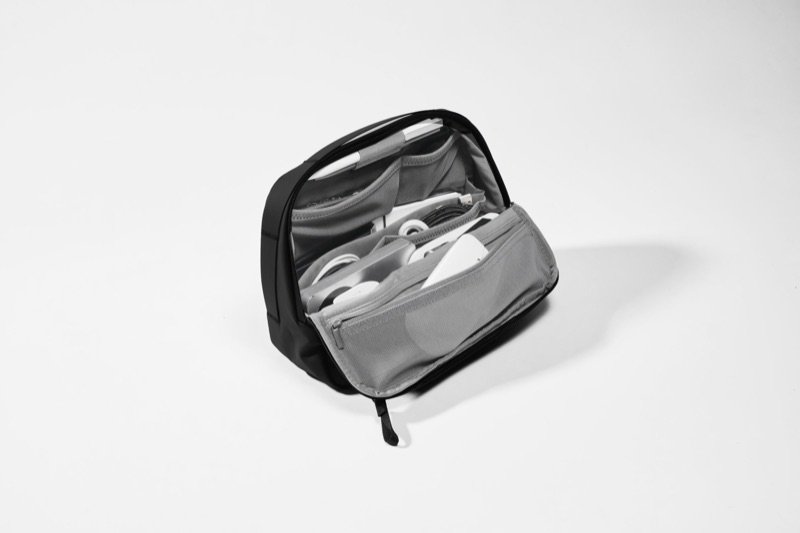
Orbitkey Tech Organiser Plus
Carries chargers, a mouse and a hub, and folds open into a desk tray
Good, with a catchMid-range
Elgato Wave Neo
A plain USB mic for daily calls, with a mute light you can see at a glance
Good, with a catchMid-range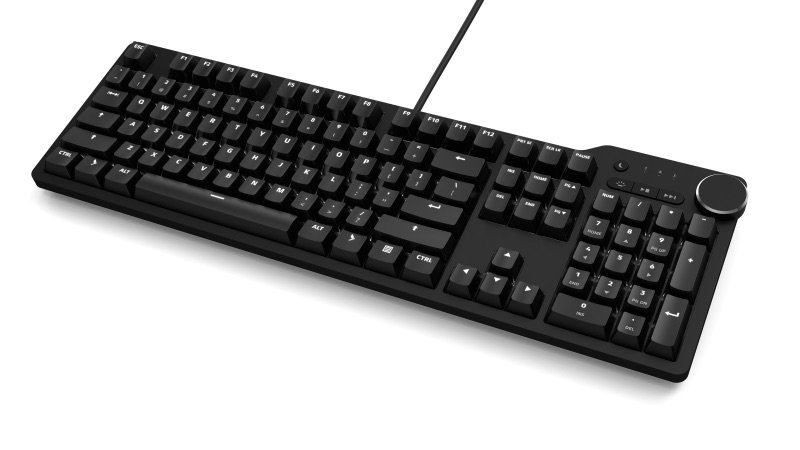
Das Keyboard 6 Pro
A wired typist's keyboard with a volume knob and USB-C ports in reach
Good, with a catchPremium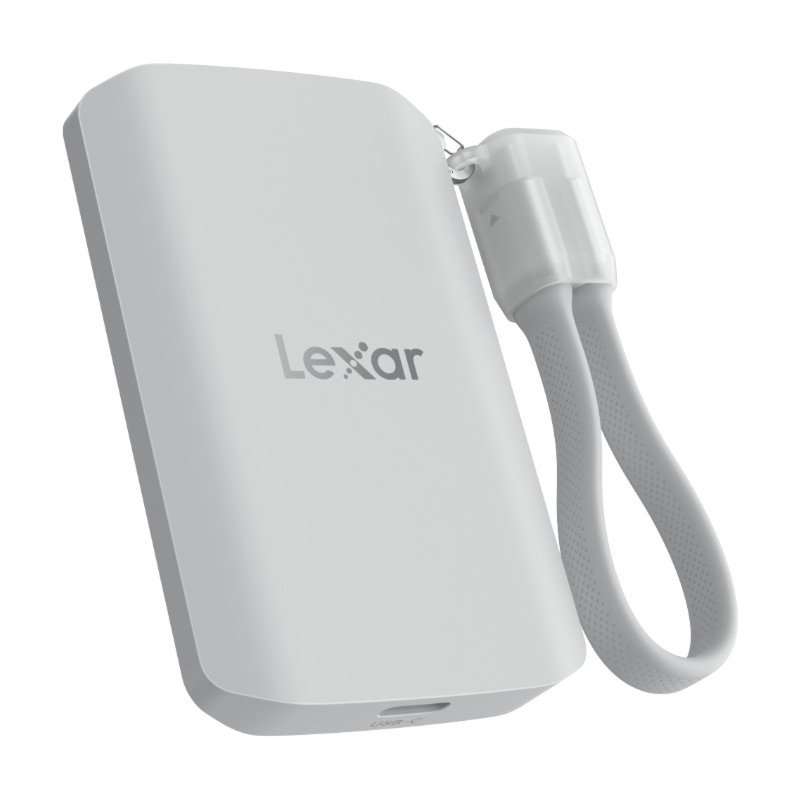
Lexar ES5
A tough magnetic SSD that rides on an iPhone Pro and takes ProRes video
Good, with a catchMid-range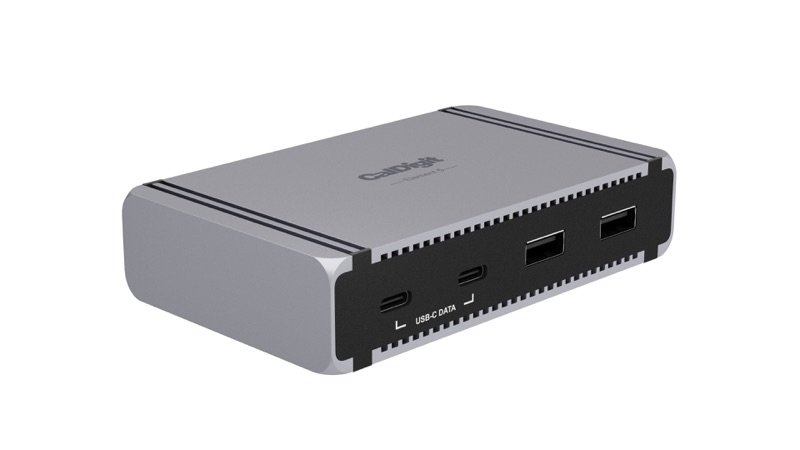
CalDigit Element 5 Hub
Adds fast Thunderbolt 5 and USB ports to a small desk, without a full dock
Good, with a catchPremium