Free tool
Monitor size and distance calculator
Pick a screen size and resolution. See how sharp it is, how big it really is and how far away pixels blend.
Matching picks
We earn a commission if you buy through links on this page. It costs you nothing extra.
How it works
- 1Sharpness. Pixels per inch = the number of pixels along the diagonal ÷ the screen's diagonal in inches. More pixels per inch looks sharper at the same distance.
- 2When pixels blend. Normal 20/20 eyesight resolves details down to one minute of arc 1. We work out the distance at which one pixel is that small: beyond it, single pixels blend together.
- 3Real size. Width and height come from the diagonal and the shape of the resolution (16:9, 21:9 and so on).
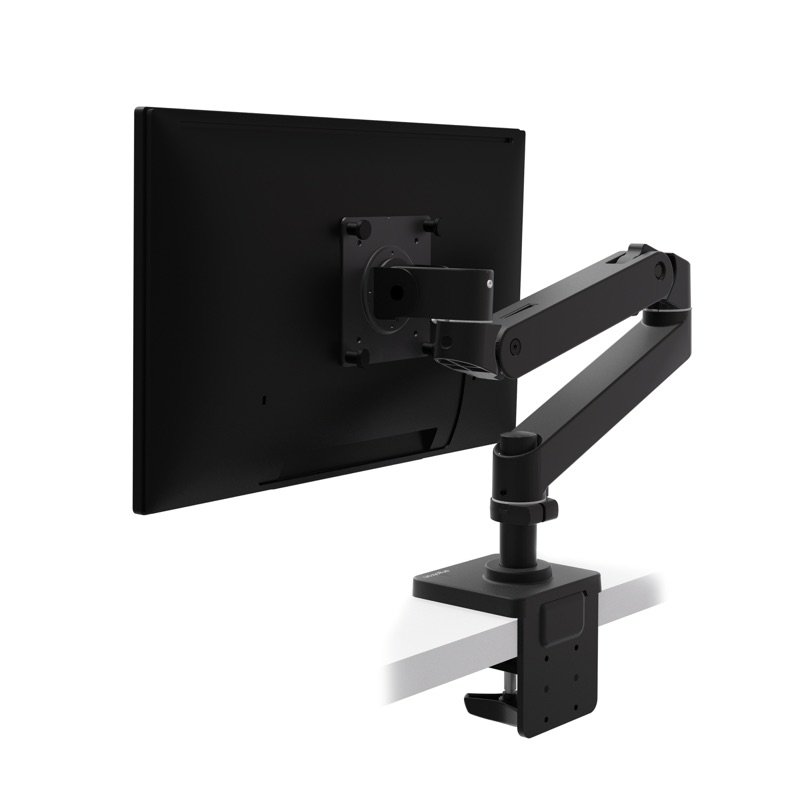
- 4Where to put it. Canada's workplace safety centre suggests about an arm's length, with the top of the screen no higher than your eyes 2.
- 5This is maths, not a test of any screen. A screen's own stand and your seat change the real distance.
The data and its sources
| What | Value | Source |
|---|---|---|
| Smallest detail normal 20/20 eyes can see | 1 arc-minute | 1 |
| Eyes to screen | about an arm's length | 2 |
- 1Webvision: Visual Acuity (Kalloniatis and Luu)Nov 15, 2026
- 2CCOHS (Canada): Positioning the MonitorNov 15, 2026
Checked Nov 15, 2026.
Did this help?
Thanks for telling us.
What's stopping you?